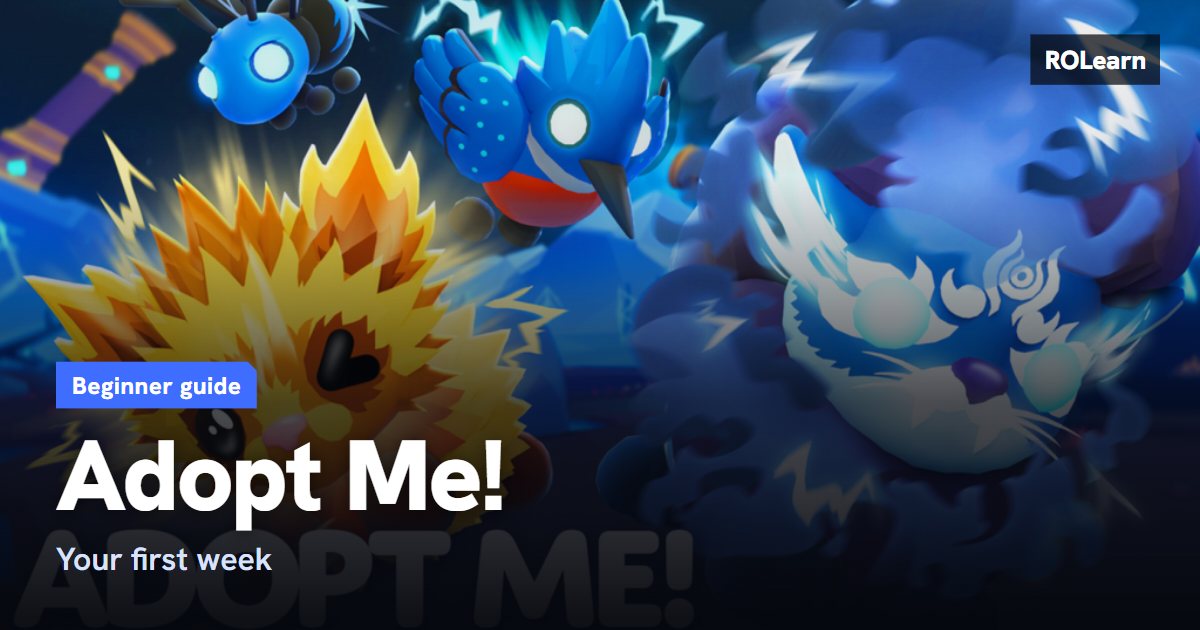
What to do first
Open the Guide from the icons on the right of your screen. Its lists for Pets, Explore, House and the Trading Hub give one-time Bucks or items for finishing simple steps. Following its Pets steps can also earn free Starter Eggs.
Next, equip a pet and look after its needs, such as hunger, sleep and boredom. Keep a pet out while you play, because caring for it earns you Bucks.
- Claim your Daily Reward.
- Check the Task Board for your tasks of the day.
- Try a job for a few minutes.
- Put pets in your Pet Pen before you leave.
How to earn Bucks
Bucks are the money you use for eggs, furniture and more. A guide from October 2026 lists these as the main free sources.
- Daily Reward: claim it whenever it is ready.
- Task Board: a few tasks per real-life day.
- Pet needs: small rewards that add up as you play.
- Orange tasks: these need you to travel somewhere, last a short time and pay more.
- Jobs: steady pay, with a limit each Adopt Me day.
- Pet Pen activities: the official notes say the Box of Toys lets you tap toys and Bucks to earn XP and cash.
How pets grow
Pets grow by having their needs met. Rarer pets take much longer. It is a good idea to start with a pet that will grow quickly so you learn the routine.
Your house comes with a Pet Pen. Official notes from September 2025 say it can age up to four pets at once, faster while you are online than while you are away. Pets only move up one full level at a time there, so you need to visit them to keep them growing. Friendship levels cannot be earned in the Pen.
Later on, you can work towards Neon pets. Official notes say four fully aged Neons combine into one Mega Neon.
Trading safely
You do not need to trade in your first week. If you do, take your time. The official notes say given pets are not returned, so treat each trade as final.
To trade Ultra-Rare and Legendary pets you need a Trade License. It is a short quiz at the Safety Hub, and you can retake it as many times as you like. It also lets you view your recent trade history and report scams in the game.
- Never share your password.
- Do not trust anyone who asks you to leave the game to trade.
- Trading pets for Robux or across games breaks the rules and can get you banned.
- A person claiming to be on the Adopt Me! team without the matching name badge is likely a scammer.
- Ask a parent or guardian before buying anything.
Common mistakes and what to do next
New players often miss their Daily Reward, ignore short orange tasks, leave pets out of the Pen when they log off, or rush into trades. Once your routine feels easy, save up for an egg you want and finish more of the Guide's lists. Seasonal events are also worth a look, but read their rules, as event items can have limits.
First-week checklist0 of 8 done
Common questions
How do I get a Trade License?
Pass the short quiz at the Safety Hub. The official notes say you can retake it as many times as you need.
Do pets grow when I am offline?
Yes, in the Pet Pen, but more slowly than when you are online. You also need to visit them to keep them growing past each level.
Can Adopt Me! Support get back a pet I lost in a trade?
Do not count on it. The official notes say traded pets are not given back. The support page says to report hack or scam trades through the Trade License in the game.
Sources
- BloxGamer: Adopt Me beginner guide
- Adopt Me! official site
- Adopt Me! official: Pet Pen notes
- Adopt Me! official: Active Needs notes
- Adopt Me! official: Trade changes and scam prevention
- Adopt Me! official: Mega Neons notes
- Adopt Me! official: Support
Written by ROLearn from the sources above and last checked on November 7, 2026. We also read fan sites we do not link here, because they sell boosts or Robux or carry cheat tools. Roblox games change often, so if the game says something different, trust the game.