What to do first
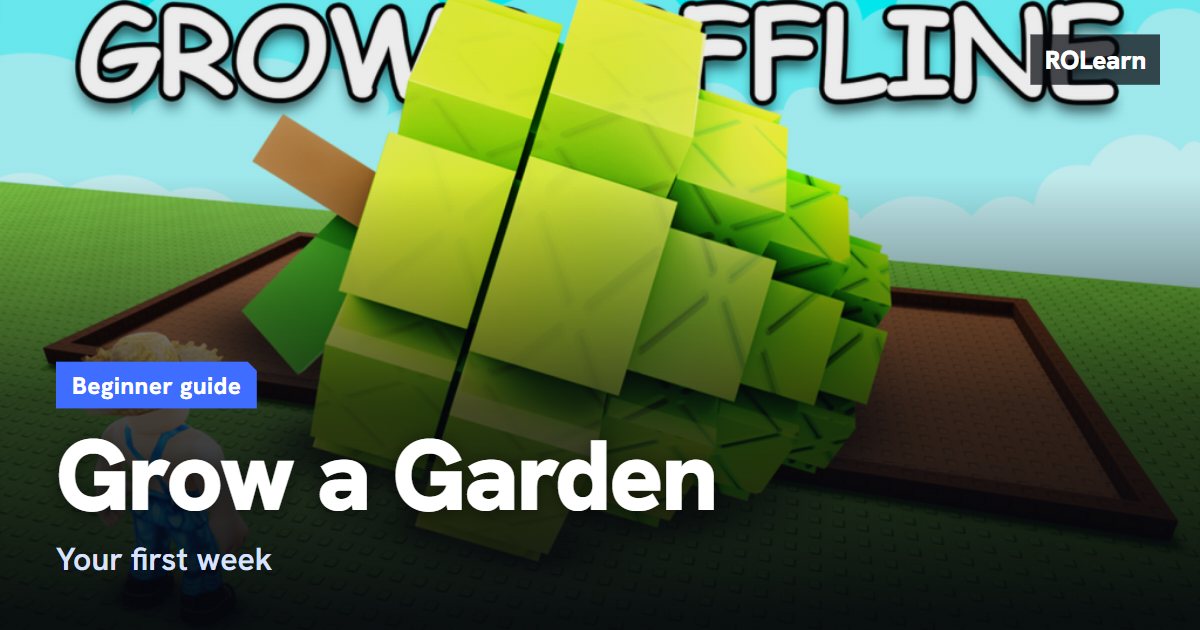
You start with an empty plot and a small amount of Sheckles, the game's money. Your first goal is one full cycle, from seed to sale.
Before you join, check you have the real game. Fan guides warn about copycat pages. One fan guide says to confirm that the creator is The Garden Game.
- Look at what the Seed Shop has in stock today.
- Buy a few cheap seeds, such as Carrot or Strawberry. Keep some money back.
- Plant them on your plot and wait for them to grow.
- Harvest, sell the crop, and use part of the money for more seeds.
Crop types and how to upgrade
Crops come in two kinds. A single-harvest crop gives one harvest and is then gone, like Carrot. A multi-harvest crop keeps producing without replanting, like Strawberry, Blueberry or Corn. Once you can afford them, multi-harvest crops are usually the better choice.
Only move to a pricier seed when your current loop can pay it back. A rare seed is not always a quick profit. Shop stock also changes often, so buy what you can see, and do not rely on old timers or lists of past event crops.
Some large plants need plenty of room, so give them their own area as your garden fills up.
Selling and mutations
What a crop sells for depends on its type, its size and any mutations it has. A mutation is a special change that raises a crop's value. Weather events are a main cause, and mutations can stack on one crop. Guides disagree on the exact multipliers, so do not trust a single list.
Before you sell, look at your harvest. A crop with a mutation may be worth far more than it looks. Staying online during weather is useful, since one guide says mutations do not happen while you are offline. Plants can still grow while you are away, but shop stock and event timers keep moving.
Quests, gear and pets
Daily quests are worth doing because they can reward seed packs, which may hold seeds that the shop does not sell.
Treat gear and pets as later steps. Sprinklers help crops grow and can help with mutations, but buy one only when it solves a problem you keep having. Pets hatch from eggs and give passive bonuses, and they get stronger over time. Add them slowly and test what each one does.
Common mistakes
- Spending all your Sheckles on one rare seed.
- Trusting old stock timers or lists of past event crops.
- Selling a mutated crop without checking it first.
- Accepting a trade without checking values, or not re-reading an offer that changed at the last second.
- Believing another player's claim about a pet's weight or rarity.
- Typing your password into an outside stock, code, trade or calculator site. Never do this.
What to do next
When your loop runs smoothly, fill more of your plot, switch to multi-harvest crops and finish your daily quests. If progress stalls, go back to a seed you can afford that is in stock. Simple and steady works better than chasing the rarest plant.
First-week checklist0 of 8 done
Common questions
What should I plant first?
Guides suggest cheap Common seeds such as Carrot or Strawberry. Buy a few and keep some Sheckles back so you can replant.
Do plants grow when I am offline?
A fan guide citing the game's own description says yes. Shop stock and event timers keep moving too, and one guide says mutations do not happen while you are away.
How do crops get mutations?
Mainly from weather and special events while the crop is growing. Guides say you cannot simply buy or force one, though some gear can improve your chances.
Sources
- Grow a Garden Wiki (fan site): Beginner guide
- GAGdata: Beginner's guide
- Switchblade Gaming: Grow a Garden guide
- Beebom: Grow a Garden tips and tricks
Written by ROLearn from the sources above and last checked on November 7, 2026. Roblox games change often, so if the game says something different, trust the game.