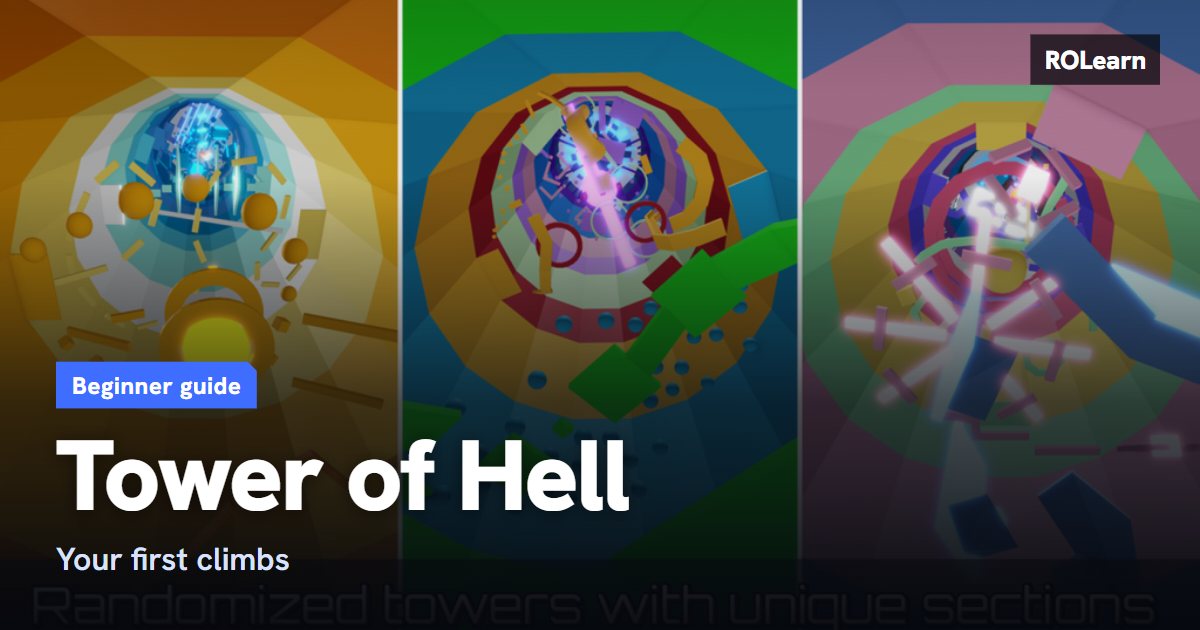
What the game is
Each round builds a new tower from a large pool of sections, so you cannot memorise a whole course. What you can learn is how each kind of section behaves, such as narrow platforms, spinning parts and moving parts. The lower sections are usually kinder than the ones higher up.
On a computer you move with WASD and jump with Space. On a phone you get an on-screen joystick and a jump button. A Shift Lock setting keeps your camera behind your character, which guides suggest for tight jumps. You may need to switch it on in Settings first.
What to do first
Guides list two sizes of tower. Noob Towers are shorter and Pro Towers are longer with more time. As of late October 2026, one guide lists 6 sections and 8 minutes for Noob and 12 sections and about 10 minutes for Pro. These numbers may change.
Start on Noob Towers, because they still pay coins.
- Turn on Shift Lock and try it for a whole round before you decide.
- Watch the section above you before you climb it, so you can see how its parts move.
- If your game feels laggy, try lowering the graphics quality in Roblox settings.
- Set your first goal as getting halfway up, not finishing.
How progress works
Coins come from how high you climb, and Pro Towers pay more than Noob Towers. You spend coins in the shop on gears, mutators and effects.
- Gears are for you alone and last one round. Examples include the Trowel, which places a path to jump on, and the Hourglass, which freezes moving parts.
- Mutators change the round for everyone in the server, and end when the round ends. Extra Time adds time to the clock for all players. Invincibility stops kill parts from killing you.
- Effects such as halos are for looks only and do not help you climb.
Common mistakes
- Rushing. Jumping before you have looked at the next section is a common cause of falls.
- Jumping at moving parts without watching their pattern first. Wait and count one full cycle.
- Staring at the timer. It can make you anxious and hurry your jumps. Look at the obstacle in front of you.
- Getting nervous near the top. Stay calm in the last sections and keep your pace steady.
- Taking the long way round corners. Staying close to the inside edge covers less distance.
- Buying a new gear every round. Pick one and learn how it works.
What to do next
Once you can finish Noob Towers some of the time, try a Pro Tower and notice which sections stop you. Each time you fall, think about why. Was it a timing mistake, a misjudged jump or plain hurry? That habit helps more than playing a lot of rounds without thinking about them.
When you have some coins, one guide suggests Extra Time as an early buy, because it helps the whole server, and the Trowel as a first gear to learn. Longer term, there is a mega-tower called THE Tower of Hell, which is a much bigger challenge for later on.
First-week checklist0 of 7 done
Common questions
Are there checkpoints in Tower of Hell?
Not in a normal round. A fall sends you back to the bottom. A paid mutator can add checkpoints for a round, but you do not need it to play.
Do I need Robux to finish a tower?
No. You can climb with no purchases at all. Some mutators cost Robux, but others cost coins, and coins come from playing.
Why does the tower look different every time?
Each round builds a new tower from a pool of sections. Learn how each type of section works, not one fixed route.
What is the difference between gears and mutators?
A gear helps only you, for one round. A mutator changes the round for everyone in the server, including the person who bought it.
Sources
Written by ROLearn from the sources above and last checked on November 7, 2026. We also read fan sites we do not link here, because they sell boosts or Robux or carry cheat tools. Roblox games change often, so if the game says something different, trust the game.