What the game is
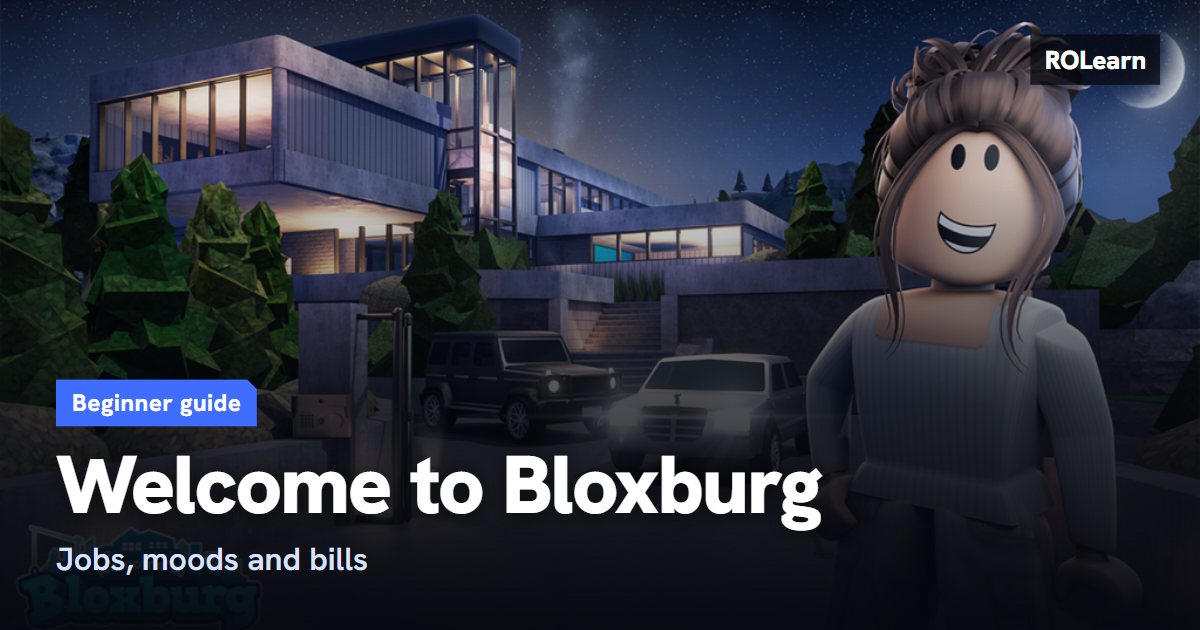
Bloxburg has two sides. One is daily life, where you work, eat, sleep and have fun. The other is building, where you design a house and decorate it. Money from the first side pays for the second.
The game's FAQ says it is free to play. You use two kinds of money. Dollars come from jobs and pay for most things. Blockbux is a separate currency that you get from events and daily rewards, or buy in the store.
What to do first
You can start on empty land or move into a house that is already built. Either works. Progress saves by itself, so there is no save button to find.
- Collect your daily reward if a box appears when you arrive.
- If you do not see prompts for using objects, turn on Show Interact Tooltip in your phone's Settings.
- Start your first job from the Jobs app on the in-game phone, or by walking into a workplace.
- Open Build Mode with the hammer icon, then place a bed, a shower or bath, and a fridge with a way to cook.
- Add a TV or computer so you have something for fun.
Moods and jobs
There are four moods: Fun, Energy, Hunger and Hygiene. Keep them up, because low moods slow you down and can lower your pay. Sleep in a bed for energy, take a shower for hygiene, eat to fix hunger, and turn on a TV and choose Watch for fun. Turning the TV on is not enough on its own.
All jobs add to one shared work experience total, and your income rises as that total grows. So you can switch jobs without losing progress. Fan guides say that since Version 0.12.6 jobs pay about the same per minute, which means older lists that rank one job far above others are likely out of date. So pick a job you find fun. One fan guide suggests pizza delivery or cashier for a first shift.
Bills and building
Bills arrive over time. You pay them on the phone under My Plot, and you can turn on automatic payment in the phone's settings. If you leave them unpaid, your power goes off. To get it back, pay the bills, then place a Power Box in Build Mode and turn it on.
Building is where most new players spend their first big money, so go slowly. A plain, working home is fine at the start. To make a home look nicer for little money, try plants, books and vases. Avoid plain box shapes, and leave room for a path.
Common mistakes
- Bulldozing your house to see what happens. It deletes the house, and you get back only part of what you spent.
- Working long shifts with low moods, which cuts your pay. Eat, sleep, wash and have fun first.
- Forgetting your bills, then wondering why the power is off.
- Making someone a co-owner without thinking about it. Co-owners can build and delete on your plot, so choose carefully.
- Giving your Roblox password to any site that promises free money. Exploits and cheats can also get you banned for good.
- Believing lists of promo codes. One fan guide says the game has no field for them, so treat those lists with care.
What to do next
Once you have a working home and a steady job, open the Skills tab. Cooking is a good start, because it feeds you and unlocks more recipes. Then plan a bigger build, and save up before you start. Game passes are optional and sold for Robux. They add things like more floors or more pay. You can start without any and decide later whether one suits how you play.
First-week checklist0 of 7 done
Common questions
Which job pays the most?
Fan guides say jobs now pay about the same per minute, and your total work experience and moods matter more. Old rankings are likely out of date.
Why did my power go off?
Your bills are probably unpaid. Pay them under My Plot on your phone, then use a Power Box in Build Mode. You can also turn on automatic bill payment.
Does switching jobs reset my progress?
No. All jobs feed the same total work experience, so your income progress carries over when you change jobs.
Do I need game passes?
No. You can work, build and earn without them. They are optional extras bought with Robux.
Sources
Written by ROLearn from the sources above and last checked on November 7, 2026. We also read fan sites we do not link here, because they sell boosts or Robux or carry cheat tools. Roblox games change often, so if the game says something different, trust the game.